What image metadata is
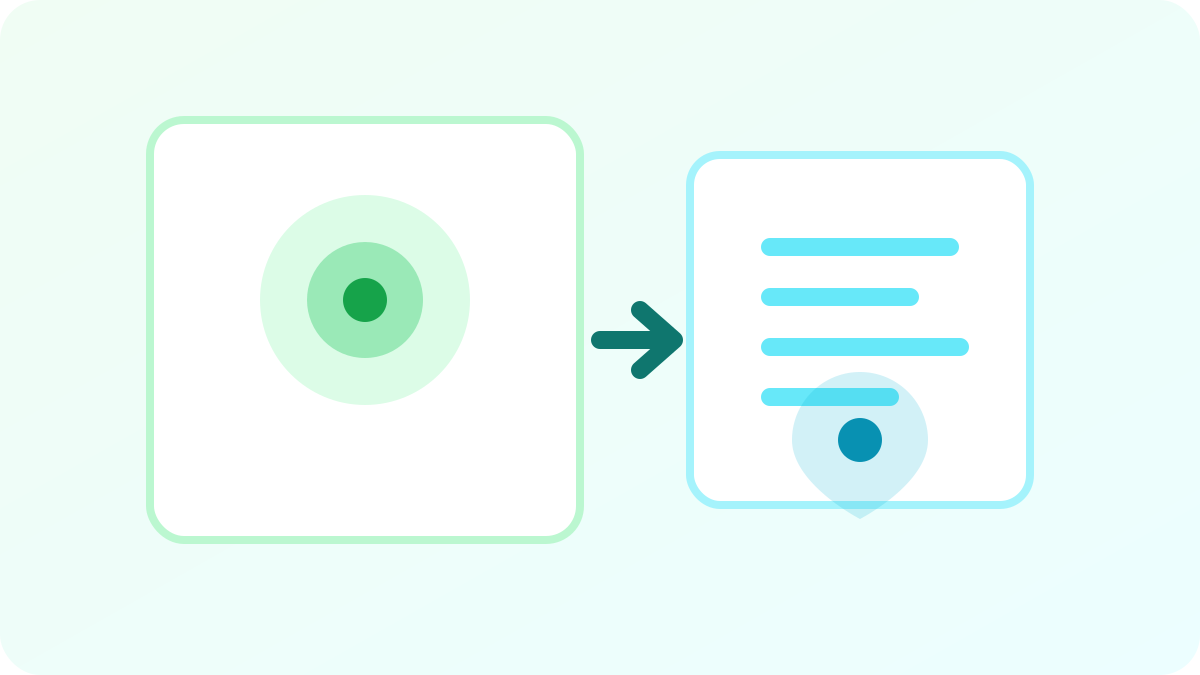
An image file can contain information that is not visible in the picture itself. Metadata can describe when the photo was taken, which device created it, how the camera was configured and what software later edited the file.
EXIF is one of the best-known metadata standards used by cameras and smartphones. Other metadata systems can hold copyright, color-management and editing information. The exact fields vary by device, format and application.
Common EXIF fields you may find
Technical camera data is often harmless, but some fields can become sensitive depending on the context. Location is the most obvious example, although timestamps and device details can also reveal more than a user intended.
- Date and time captured
- Camera or phone make and model
- Exposure, ISO and lens details
- Orientation
- Editing software
- Copyright and author fields
- GPS latitude and longitude when location tagging was enabled
Why GPS metadata can be sensitive
Precise GPS coordinates can identify where an image was taken. In the wrong context, that could expose a home address, workplace, school, private event location or a place someone regularly visits.
Some social platforms strip location metadata during upload, but not every service does. Email attachments, cloud shares, forums and direct file transfers may preserve more of the original file. If location privacy matters, it is safer to check the file before sharing rather than assuming a platform will remove it.

Metadata is not the same as visible information
Removing EXIF does not make a photo anonymous. The pixels can still reveal street signs, faces, vehicle plates, house numbers, reflections, documents, computer screens or distinctive landmarks.
A privacy review should therefore happen on two levels: inspect hidden file information and inspect the visible scene. Metadata removal is useful, but it is only one part of responsible sharing.
How metadata removal works
One browser-friendly method is to decode the visible image and render it into a fresh canvas, then export a new image file. The exported copy usually contains the visible pixels without the original EXIF payload and many common metadata fields.
This is practical for everyday privacy cleanup, but it should not be presented as a forensic guarantee. Image formats can contain different metadata blocks, and specialized workflows may require dedicated inspection tools.
When should you remove EXIF data?
Metadata removal is especially useful before publishing original camera files to public websites, sending photos to people you do not know well, listing products online or sharing images taken at sensitive locations.
For ordinary low-risk images, the metadata may not matter. The important point is awareness: if you know the file can contain hidden information, you can make an informed decision before sharing it.
What happens to image quality after metadata removal
If an image is re-encoded, its quality can change depending on the output format and quality setting. PNG export is lossless for the visible pixels, while JPEG and lossy WebP use compression. A well-designed tool should avoid unnecessary degradation and make the output format clear.
If preserving exact image quality is critical, keep the original and compare the cleaned copy before replacing anything.
A safer photo-sharing checklist
Before sharing a potentially sensitive photo, check both the file and the scene. Remove unnecessary metadata, crop private details if appropriate, and consider whether the recipient actually needs the original full-resolution file.
- Review visible personal details
- Remove EXIF when location or device data is sensitive
- Crop unnecessary areas
- Share a resized copy when full resolution is not required
- Keep the original privately if you may need it later