
How to Fix Blurry Scanned Documents Before Uploading
Diagnose blurred scans, improve capture, and check legibility before submitting important documents.
Read article →Detailed, useful articles about PDFs, images, QR codes, privacy and browser-based tools — written to answer real questions with practical examples and clear steps.
Diagnose blurred scans, improve capture, and check legibility before submitting important documents.
Read article →A controlled approach to assemble, order and verify multipage applications.
Read article →Understand encryption, password handoff and safe file handling for shared PDF documents.
Read article →
A realistic privacy checklist covering image metadata, visible identifiers and sharing workflows.
Read article →
Diagnose scanning problems caused by poor contrast, distance, damaged codes and broken destinations.
Read article →A practical checklist for checking names, page order, file size, clarity and privacy before uploading a PDF.
Read article →Learn to choose a safe numbering position and verify headers, signatures and multi-part documents.
Read article →Understand transparent backgrounds, compatibility and file-size tradeoffs when preparing logos, forms and photos.
Read article →A practical guide to making printable QR codes that scan reliably on signs, flyers and packaging.
Read article →A practical workflow for application fields, descriptions and messages with strict character limits.
Read article →
Learn how to combine PDF files in the right order, avoid common merge problems, protect document quality, and choose a privacy-conscious workflow for work, school and personal files.
Read article →
Learn how image resizing works, how to choose the right dimensions for websites and social media, and how to avoid blur, distortion and oversized files.
Read article →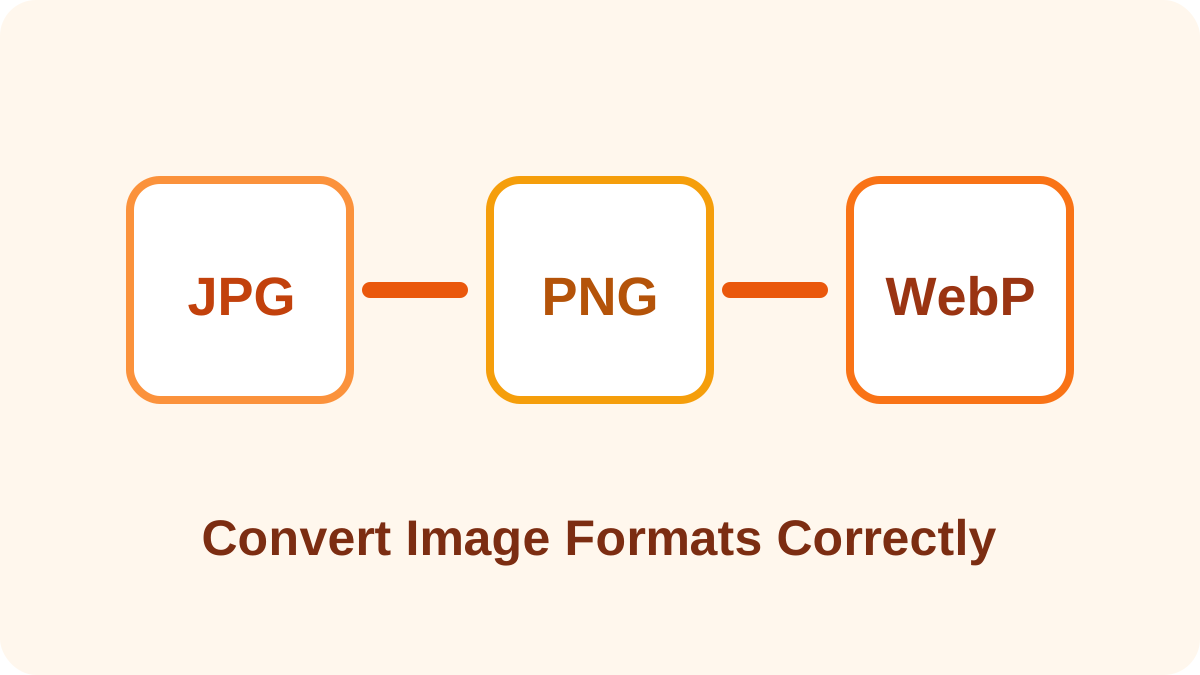
A complete image conversion guide covering transparency, quality loss, file size, browser compatibility and the right workflow for JPG, PNG and WebP files.
Read article →
Understand PDF password protection, encryption, owner permissions, common limitations and practical steps for sharing protected documents safely.
Read article →
Learn how to create reliable QR codes for links, contact information and Wi-Fi access, with practical guidance on size, contrast, testing and safe publishing.
Read article →Learn how PDF compression works, which settings reduce file size safely, when quality loss happens, and how to choose the right method for email, websites, printing and archiving.
Read article →A detailed comparison of JPG, PNG and WebP covering quality, transparency, compression, browser support, file size and the best format for websites, photos, graphics and screenshots.
Read article →
A privacy-focused guide to EXIF metadata, GPS coordinates, camera information, editing data and the practical steps you can take before sharing images online.
Read article →
Learn how QR codes store information, what they can contain, why some QR links are risky, and the practical checks that make creating and scanning codes safer.
Read article →
A detailed explanation of local browser processing, how it differs from server uploads, what privacy benefits it offers, where its limits are, and what users should verify before using online file tools.
Read article →